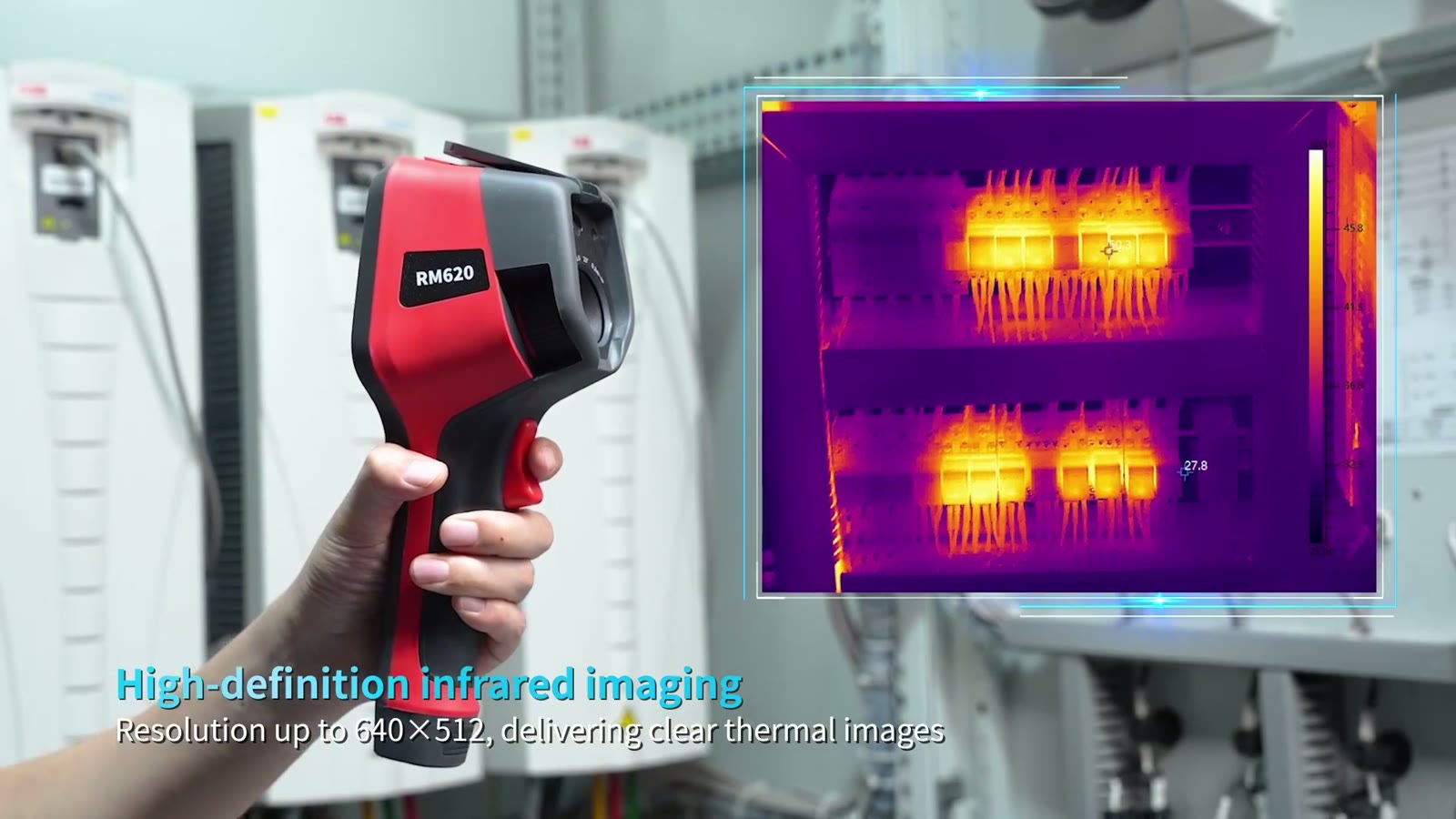
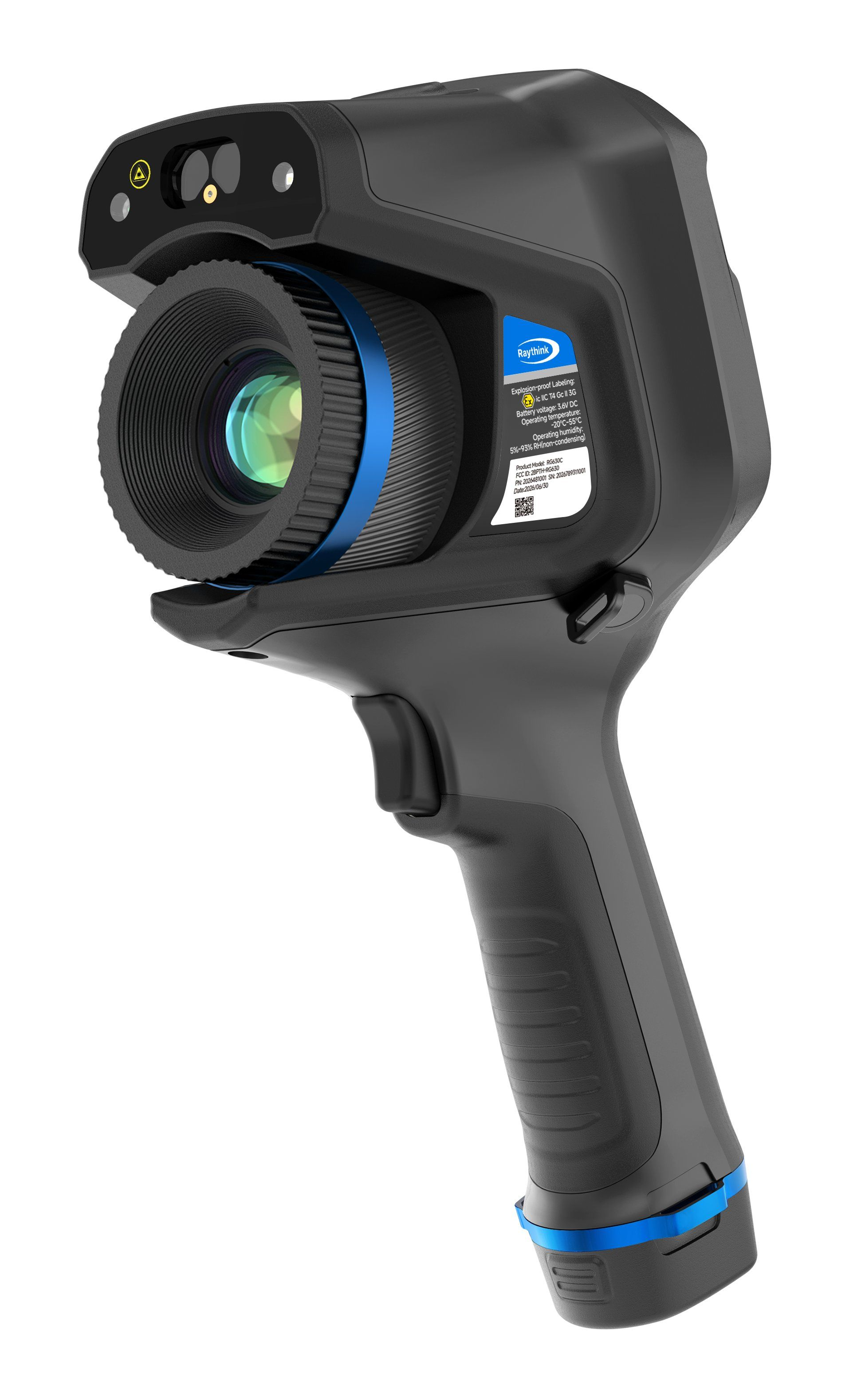
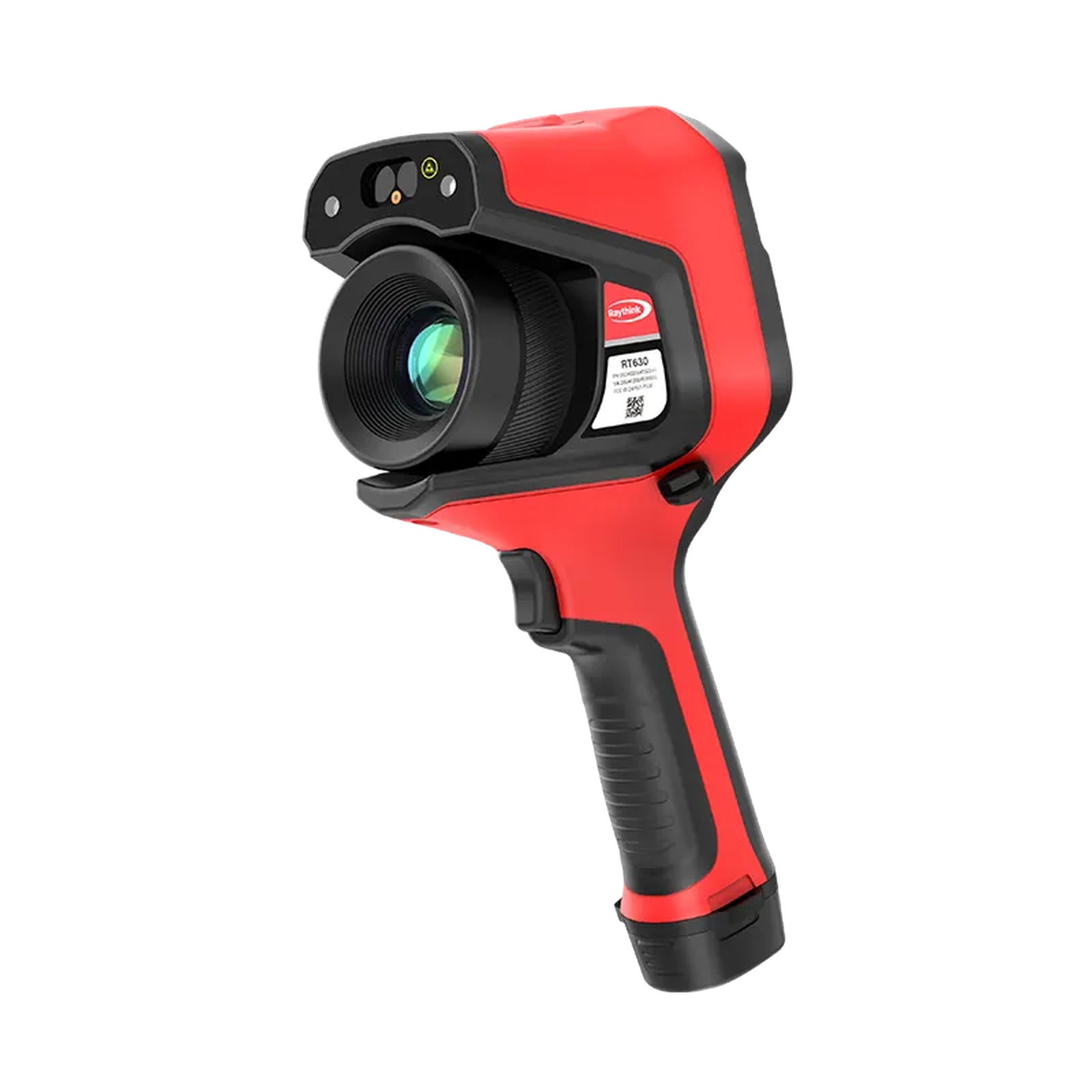
Technician using the PhoebusLink RCX100 thermal imaging camera to inspect an HVAC unit

Diagnostic tools & connected-car hardware

Tools for Inspection.Hardware for Connected Driving.

PhoebusLink builds thermal imaging tools, vehicle monitoring devices, and in-car connectivity hardware for practical everyday use.

Thermal imaging tools Vehicle monitoring In-car connectivity
Standard Shipping Available

Shipping options are shown at checkout.

Secure checkout

Payment options shown at checkout.

Dedicated support

Replies within 1-2 business days.

Warranty support

See policy details before purchase.

What PhoebusLink Makes

Product lines for temperature checks, vehicle visibility, and in-car connectivity.

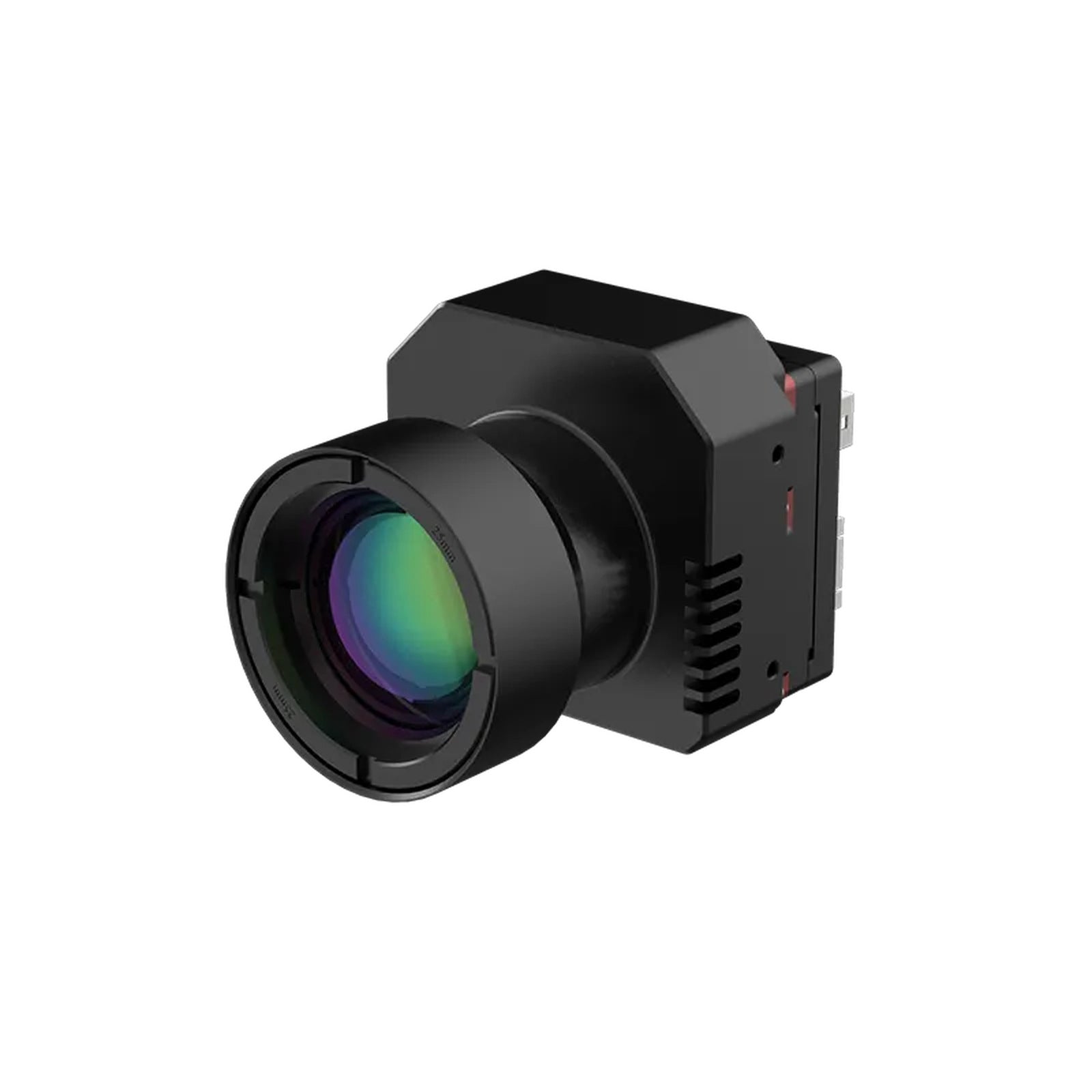
Representative product: RCX100

Thermal Imaging Tools

Handheld thermal imaging tools for checking surface temperature differences in HVAC, electrical, automotive, and maintenance tasks.

Representative product: DeerAsk PR02

Vehicle Monitoring Hardware

4G parking monitor dash cam solutions designed for remote live view, GPS location, parking alerts, and connected vehicle visibility.

Representative products: FB2 / PL7 Pro

In-Car Connectivity

Wireless CarPlay and Android Auto solutions for cleaner cabin setups and compatible vehicle multimedia upgrades.

Flagship thermal use cases

Thermal insight for real-world checks.

RCX100 adds a visual temperature layer: scan for differences, compare the pattern, then decide what needs closer testing.

Technician using RCX100 for HVAC inspection work
HVAC and airflow checks

Find uneven airflow faster.

Scan vents, wall units, and room zones before guessing where the next check should start.

RCX100 thermal imaging camera used for automotive diagnostics
Automotive diagnostics

Review engine-bay heat first.

Use thermal contrast around engine bays, brakes, wiring, and components as a first-pass inspection clue.

RCX100 thermal imaging camera used for electrical inspection
Electrical troubleshooting

Spot abnormal panel heat.

Look for unusual heat around panels, outlets, and electrical components before opening up deeper service work.

Why thermal imaging

Use heat patterns as a starting point, not a final diagnosis.

Thermal imaging helps reveal temperature differences that are hard to spot by eye. It guides where to inspect next; it does not replace proper testing or professional judgment.

01

Scan quickly

Move from a broad visual pass to specific areas that deserve attention.

02

Save the view

Keep a visual reference for inspection notes, service records, or follow-up checks.

03

Confirm the next test

Use the thermal view to decide where mechanical, electrical, or HVAC testing should continue.

Field workflow

From quick scan to documented next step.

A clear field flow helps prevent guesswork: scan broadly, compare nearby surfaces, save a visual reference, then confirm the issue with the right diagnostic test.

Technician using RCX100 to inspect electrical and HVAC equipment
Field check sequence Scan. Compare. Save. Confirm.
01

Scan the area

Move across vents, panels, engine bays, or rooms to find visible temperature differences.

02

Compare the pattern

Look for unusual hot spots, cold zones, or uneven behavior compared with nearby surfaces.

03

Capture the view

Save a visual reference for inspection notes, service records, or follow-up checks.

04

Confirm with testing

Use the thermal view as a starting point before mechanical, electrical, or HVAC testing.

Flagship diagnostic tool

RCX100 makes heat easier to see during everyday diagnostics.

Use it when the job starts with temperature behavior: HVAC airflow questions, electrical components, engine bays, brake areas, and property maintenance checks.

View RCX100 details
PhoebusLink RCX100 thermal imaging camera displayed in a premium diagnostic scene

RCX100 at a glance

Useful thermal visibility without inflated claims.

320x240 Thermal image detail

Designed to present a clear thermal view for everyday inspection tasks.

Hot / Cold Temperature contrast

Helps compare warmer and cooler areas before deciding where a closer check is needed.

2x / 4x Digital zoom

Move from a wide scan into closer visual review when an area needs attention.

40° x 30° Field of view

Useful coverage for scanning vents, panels, rooms, and vehicle components.

RCX100 product video

See the flagship thermal imager before you compare the details.

Watch the RCX100 product video to understand how a handheld thermal view fits into inspection work, then review the product page for confirmed details and checkout.

View RCX100 details

DeerAsk PR02 product video

See connected vehicle visibility in action.

DeerAsk PR02 is a 4G LTE parking monitor dash cam designed for remote live view, GPS location, parking alerts, privacy mode, and OBD-II powered setup.

View PR02 details

PhoebusLink hardware ecosystem

Start with the job. Then choose the right product line.

PhoebusLink covers three practical hardware directions: thermal imaging tools, vehicle monitoring hardware, and in-car connectivity products. Each line solves a different customer need.

Start here Need to diagnose heat or airflow?

Choose RCX100 when the job is about surface temperature differences, inspection notes, and diagnostic clues.

Add later Need to monitor a parked vehicle?

Choose DeerAsk PR02 when remote live view, GPS location, parking alerts, and connected vehicle visibility matter more.

Upgrade cabin tech Need cleaner in-car connectivity?

Choose PL7 Pro for wireless CarPlay conversion, or FB2 for Android-based media in compatible vehicles. Check compatibility before purchase.

Why shop PhoebusLink

Clear product choices. Real use-case guidance.

We focus on tools that solve specific temperature, vehicle, and cabin setup problems. Product pages should make compatibility, use cases, and support expectations visible before checkout.

DeerAsk PR02 installed in a vehicle for connected driving visibility
Shipping

Standard Shipping Available

Shipping options are shown at checkout.

Support

Dedicated tech support

Product and order inquiries are answered within 1-2 business days.

Checkout

Secure checkout

Checkout is handled through Shopify with available payment options shown before purchase.

Policies

Clear policy pages

Shipping, return, privacy, and warranty support details stay visible before purchase.

Need the right starting point?

Start with the problem you are solving: thermal inspection, vehicle monitoring, or in-car connectivity.

Support before and after purchase

Clear information before checkout and support after purchase.

We keep compatibility, support, and policy language visible so customers can choose the right device with fewer surprises.

Which product should I start with?

Start with the job. Choose RCX100 for thermal inspection, DeerAsk PR02 for connected vehicle monitoring, PL7 Pro for wireless CarPlay conversion, and FB2 for Android-based media in compatible vehicles.

Do the CarPlay products fit every vehicle?

No. FB2 requires a compatible vehicle with factory wired CarPlay or Android Auto. PL7 Pro requires factory wired CarPlay. Check the product page before purchase.

How should I use thermal imaging results?

Use the thermal view as a visual starting point. It helps identify areas that deserve closer inspection, but it should be confirmed with the proper mechanical, electrical, or HVAC test.